In this article
- What do you need before opening Xactimate?
- How do you calculate roof measurements and waste in Xactimate?
- Which roofing line items belong on a standard storm scope?
- What does a complete Xactimate roof estimate look like?
- How do you handle adjuster pushback and write a supplement?
- How Storm Xactimate handles this for you
- FAQ
- How to write a roofing estimate?
- How to write an estimate in Xactimate?
- How to calculate a roof estimate?
- Can you provide an example of a Xactimate estimate?
Writing a roof estimate in Xactimate demands four things: the correct regional price list, an accurate sketch or CAD import of the roof's geometry (SQ, pitch, and perimeter LF), code-compliant line items backed by photos, and a clean, carrier-ready PDF. During storm season, profits hinge on the small details. Document accessory items like drip edge, starter strip, and ice and water barrier right out of the gate, or spend weeks fighting carrier supplements. (Source: Storm Xactimate)
After a hurricane, the contractor with paperwork ready lands the contract. Days lost wrestling with software are days your competitors spend signing homeowners. You need a field-tested storm workflow: document the scope fast, triage measurements, and build an estimate adjusters can approve without friction.
What do you need before opening Xactimate?
Accurate estimates require solid field data. Before touching the keyboard, gather your core claim information: the insured's name, claim number, date of loss, carrier name, and property address. Leave any of these blank, and the desk adjuster will kick the file to the bottom of the stack.
You also need the correct regional price list. Verisk updates material and labor rates monthly, so pull the active list tied to the property's location and the specific month of the loss. Check Verisk's price list release schedules to verify you have the right version loaded.
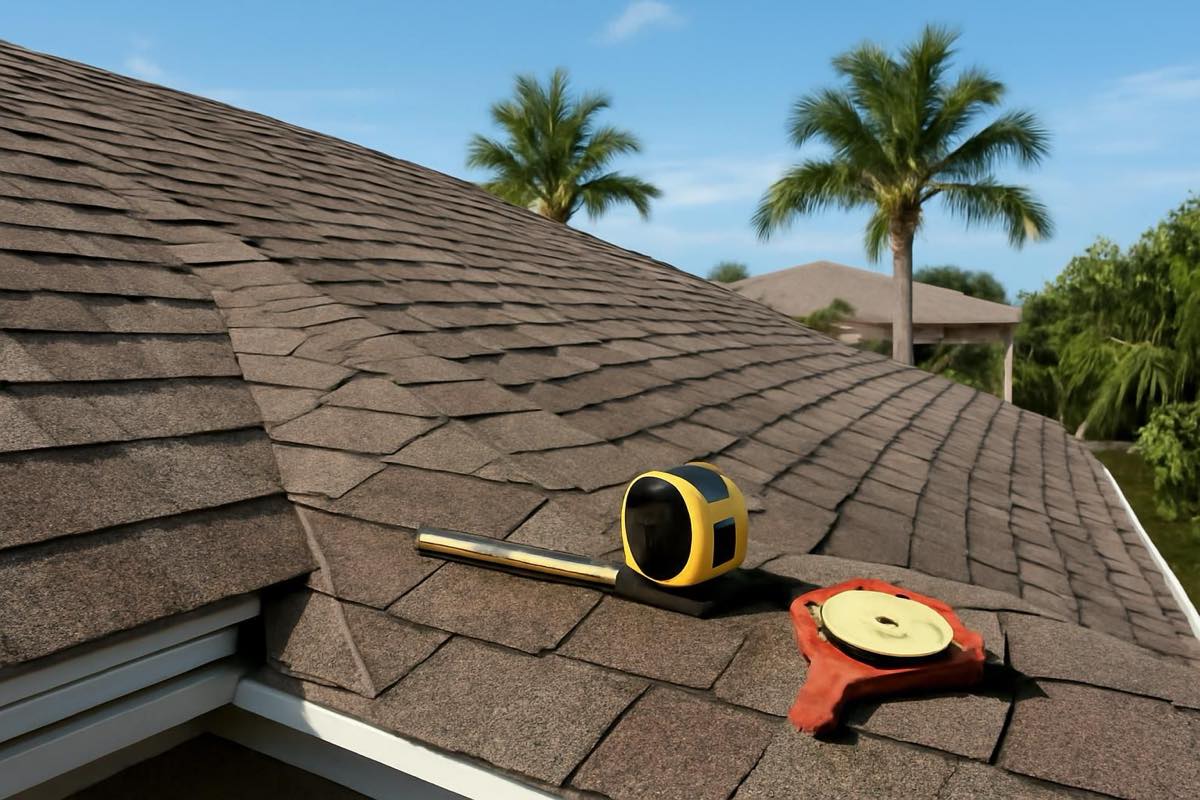
Clear photos are your best defense against rejected line items. Before drafting your scope, verify your field set includes:
- Pitch gauge resting directly on the roof deck to confirm slope
- Tape measure pressed against the shingle edge to show thickness and layer count
- Existing drip edge along eaves and rakes
- Step and counter-flashing details around chimneys, walls, and pipe boots
- Valley linings and any exposed ice and water shield
Lastly, triage your aerial measurements. If you already hold an EagleView, Hover, or GAF QuickMeasure report, you have your surface area, pitch, and linear dimensions ready. If you don't, order one immediately. Waiting on aerial data before drafting remains one of the single biggest bottlenecks in 2026.
How do you calculate roof measurements and waste in Xactimate?
Xactimate calculates total surface area in square feet (SF) and converts it to roofing squares (SQ) using the standard formula: SQ = SF / 100. Slope and pitch multipliers are then applied so the flat footprint reflects actual surface area.
Squares only cover the deck; you also need linear foot (LF) takeoffs for perimeter items:
- Drip edge: total eave and rake lengths
- Starter strip: eave perimeter (plus rakes, depending on code and manufacturer specs)
- Ridge cap: total hip and ridge lengths
- Valleys: linear footage for valley metal or ice and water barrier
Complexity dictates waste. While a clean gable roof might only produce 10% waste, a cut-up hip roof packed with valleys, dormers, and turrets easily burns 15% or more. In Xactimate, this waste factor applies directly across your field shingles, starter, and ridge cap calculations.
To skip the manual math and dodge errors entirely, import your third-party CAD files straight into the Sketch tab. The software populates the dimensions automatically, giving the adjuster an audit-proof diagram.
Which roofing line items belong on a standard storm scope?
Omitted line items either come out of your profit margin or force you into a drawn-out supplemental fight. Adjusters routinely leave standard components off initial scopes, so build your estimate systematically from tear-off to ridge cap.
Begin with removal and disposal. Use RFG TEAR entries that reflect the exact number of shingle layers coming off the deck. For replacement field shingles on a standard architectural roof, select RFG ARCS, applying the waste percentage calculated from your aerial report.
Carriers most frequently leave out accessories and code-mandated materials:
- Drip edge along eaves and rakes (LF)
- Starter strip along all perimeter edges (LF)
- Ice and water barrier in valleys (SF)
- Synthetic underlayment across the field (SQ)
- High-profile or standard ridge cap shingles (LF)
Florida contractors know this battle well. When dealing with strict jurisdictions, reference official standards—like the Florida Building Code (FBC) sealed roof deck guidelines—to defend non-negotiable underlayment and nail-pattern specs.
Don't overlook penetrations and ventilation, either. Account for pipe boots, step flashing, chimney flashing kits, off-ridge vents, and turtle vents. If the job involves two or more trades—such as roofing paired with gutters or drywall repair—apply Overhead and Profit (O&P) to reflect standard general contractor supervision.
What does a complete Xactimate roof estimate look like?
Presentation matters as much as pricing. Desk adjusters won't dig through raw ESX files; they want a clear, self-contained PDF.
A carrier-ready estimate package should be arranged in four parts:
- Cover Page: Contractor branding, company logo, insured details, and claim metadata.
- Line Item Recap: Scope organized by trade or area (e.g., Roof, Elevations), displaying Replacement Cost Value (RCV), depreciation, and Actual Cash Value (ACV).
- Roof Sketch: A clean diagram showing facet labels, pitch indicators, and linear dimensions imported from your measurement report.
- Photo Schedule: Labeled inspection photos mapped directly to corresponding line items.
Package the claim this way, and adjusters can verify your squares, review depreciation, and confirm damage without picking up the phone to question your numbers.
How do you handle adjuster pushback and write a supplement?
Carrier summaries almost always come back lean. When an adjuster shortchanges waste or wipes out accessory items, avoid emotional arguments. Carriers yield to documentation, code requirements, and photographic proof.
Start by running a side-by-side comparison between your field scope and the carrier's estimate. Pinpoint the exact discrepancies—whether that is missing drip edge, zero starter course, or withheld O&P.
Next, assemble your rebuttal line by line. Pair every disputed item with concrete evidence: close-up photos of torn drip edge, shots of multiple shingle layers measured against a tape, or building code citations requiring sealed roof decks. Back up your waste arguments with the CAD aerial report.
Watch the clock, too. Submit your supplement package within 30 days of the adjuster's initial summary to maintain claim momentum and keep the file moving.
How Storm Xactimate handles this for you
Storm Xactimate writes carrier-ready roof estimates for residential contractors navigating storm recovery. The process is simple: submit the claim details, property info, job-site photos, and any existing EagleView, Hover, or GAF QuickMeasure reports. If you don't have an aerial report, Storm Xactimate orders it for you—the measurement is included in the service. An experienced estimator then drafts the scope against your local price list and reviews every line item before sending it out.
Turnaround takes 24 hours from receipt of a complete order (photos plus aerial data). You receive a branded PDF estimate complete with sketch diagrams and organized photo schedules, ready to submit directly to the carrier. If an adjuster pushes back, Storm Xactimate includes one revision or supplement round at no extra charge when you upload the carrier's scope within 30 days of delivery.
To view rates, check the pricing section, or start an estimate today.
FAQ
How to write a roofing estimate?
Start with a thorough roof inspection, documenting damage and measurements with photos. Next, determine the total surface area in squares (SQ) and perimeter runs in linear feet (LF). Apply current regional pricing for materials and labor, then assemble an itemized scope detailing tear-off, synthetic underlayment, field shingles, flashing, and disposal.
How to write an estimate in Xactimate?
Create a new project, input the claim details, and assign the active local price list. Next, construct the roof geometry by sketching it manually or importing an aerial CAD file. Add trade-specific line items from the 'RFG' selector, calibrate depreciation and waste percentages, and export the file as a carrier-ready PDF package.
How to calculate a roof estimate?
Convert the roof's total square footage into squares (SQ) by dividing by 100. Add a waste allowance—typically 10% to 15% based on roof geometry and valley counts. Measure linear foot (LF) requirements for starter strip, drip edge, and ridge cap. Finally, multiply those quantities against your local market's material and labor unit costs.
Can you provide an example of a Xactimate estimate?
A typical residential scope for architectural shingles includes tear-off (RFG TEAR), synthetic underlayment, perimeter drip edge, valley ice and water shield, shingles (RFG ARCS) adjusted for waste, ridge caps, and pipe boots. The finished PDF lays out line items by area, specifies Replacement Cost Value (RCV), deducts depreciation to show Actual Cash Value (ACV), and applies Overhead and Profit (O&P) when general contractor management is justified.