In this article
- What is the core difference between EagleView and Hover roof measurements?
- Which measurement tool performs better on complex pitches and materials like laminated shingle versus tile?
- How do you import EagleView and Hover measurement data into an Xactimate ESX file?
- How do you supplement for line items that roof measurement reports always miss?
- How Storm Xactimate handles this for you
- Frequently asked questions about EagleView and Hover roof measurements
- Which is more accurate for roof measurements, EagleView or Hover?
- Can I convert an EagleView or Hover report directly into an ESX file myself?
- Does a measurement report automatically calculate shingle waste?
- What if an adjuster rejects measurements from Hover or EagleView?
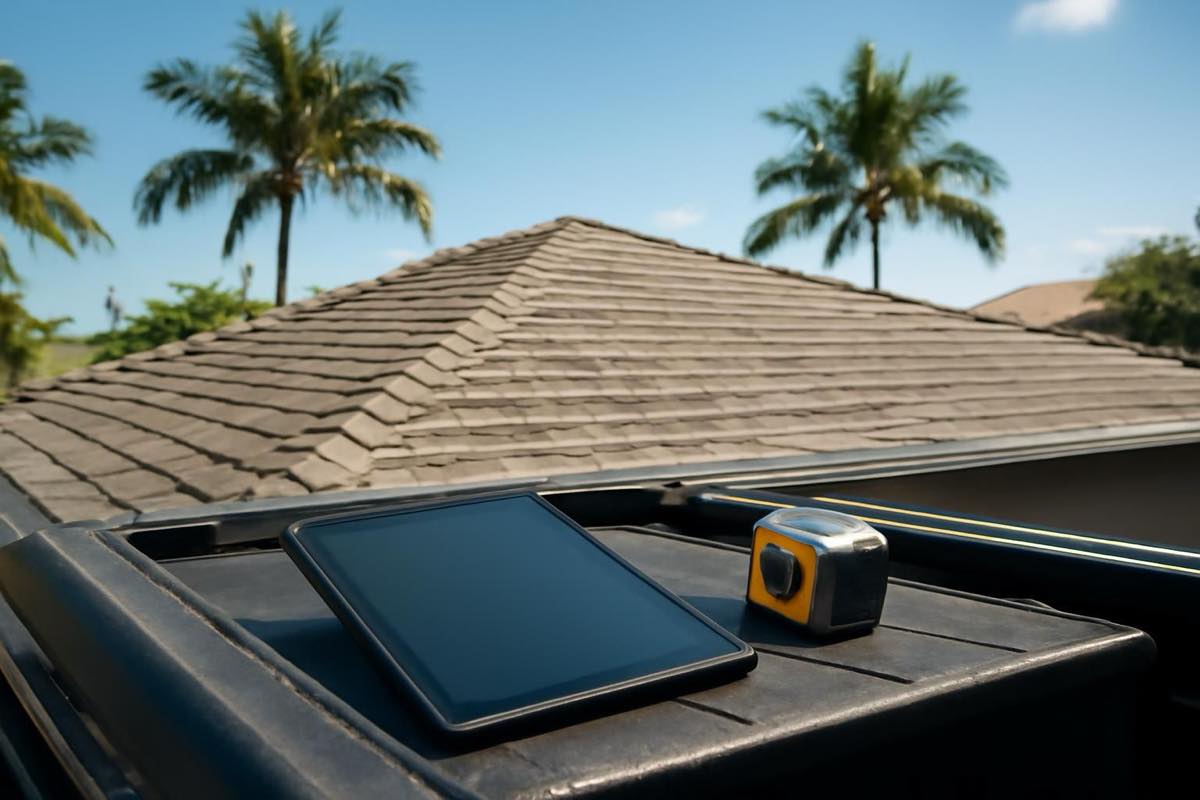
EagleView relies on high-resolution aerial and satellite imagery to calculate roof dimensions remotely. Hover, by contrast, converts ground-level smartphone photos into an interactive 3D model covering both exterior siding and roof surfaces. For storm restoration contractors, the distinction matters: EagleView speeds up initial estimating without requiring a truck roll, whereas Hover captures the ground elevations and siding details that aerial passes overlook.
The real hurdle isn't just pulling pitch, square footage (SQ), and linear feet (LF). It's translating those figures into a carrier-approved Xactimate scope without bleeding hours on manual data entry or overlooking billable line items. Source: Storm Xactimate.
What is the core difference between EagleView and Hover roof measurements?
The fundamental divide comes down to data capture: sky versus ground. EagleView pulls imagery from fixed-wing aircraft and satellites, running automated photogrammetry against a massive historical flyover catalog to generate dimensions. Hover skips the aircraft. Instead, a user walks the property perimeter, snaps 8 to 22 photos in the mobile app, and lets the backend software stitch those frames into a 3D building envelope encompassing siding and roof facets alike.
That technical gap directly shapes field operations:
- EagleView lets you pull reports from your truck before you ever step onto the driveway. When a catastrophic storm hits and you are triaging dozens of door-knocking leads, ordering remote aerials keeps you selling instead of walking every lot.
- Hover requires a deliberate site visit. A rep or project manager must pace the perimeter, but the trade-off is fresh, on-the-ground intelligence.
Turnaround dynamics change fast after severe weather. As of 2026, major hurricanes bring restricted airspaces and weeks-long delays for new flyovers. Lean too heavily on EagleView's historical imagery during those windows, and you might miss recent property modifications or post-storm structural shifts. Hover bypasses flight restrictions entirely because your crew generates the data set on-site. When conditions are clean, both options deliver comparable precision—EagleView holds a carrier-recognized 1% to 2% margin of error from the air, and Hover's ground photogrammetry routinely meets that same benchmark across roofing and siding.
Which measurement tool performs better on complex pitches and materials like laminated shingle versus tile?
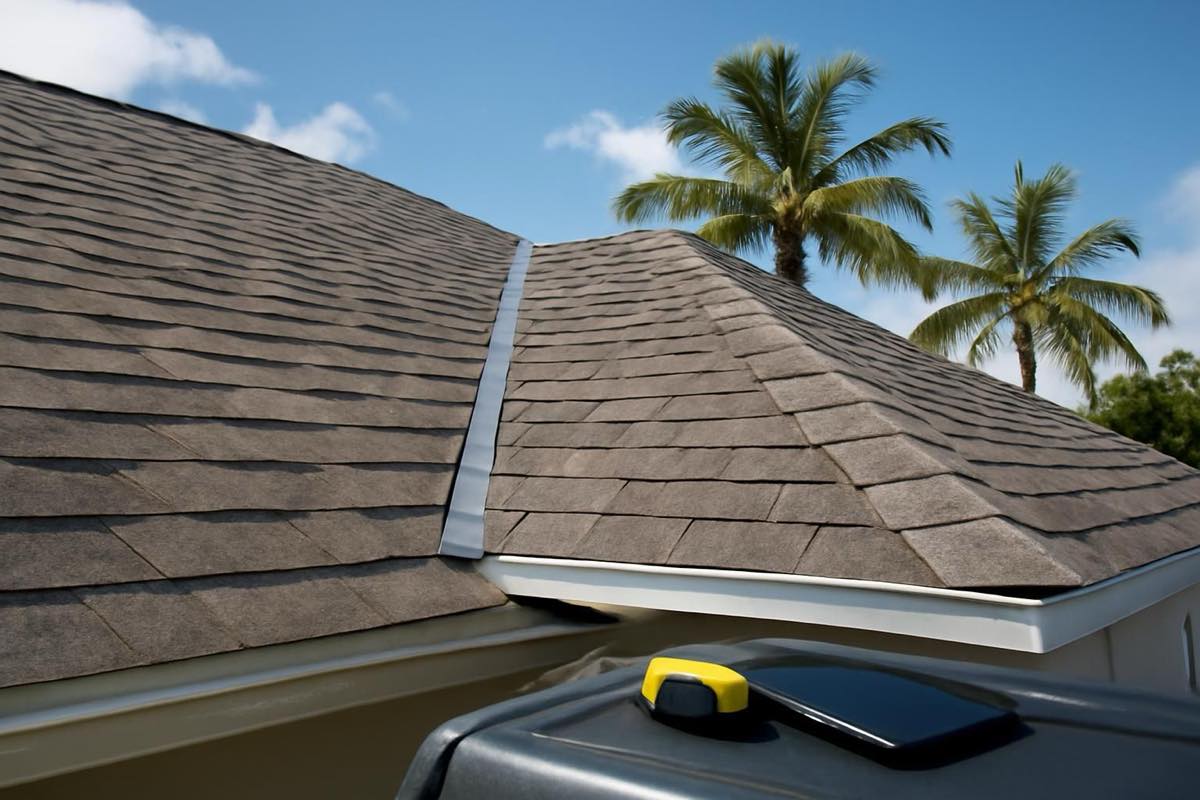
Data capture angles determine what the software actually perceives. For run-of-the-mill architectural asphalt shingles under open skies, EagleView maps hips, valleys, and ridges with minimal fuss. Looking top-down makes pulling flat SQ and linear footage straightforward.
Post-storm environments, though, are rarely clean. Tree canopies block satellite sightlines. Emergency crews strap blue tarps over ridges. If the aerial lens cannot see the substrate, EagleView cannot measure it.
Ground perspectives solve those visual blind spots. Looking upward from below the eaves allows Hover to calculate rake lengths and true pitch even under dense tree cover. Standard residential slopes run from 4/12 pitches up to steep 9/12 profiles and higher; capturing that vertical rise from grade ensures the software applies the right pitch multiplier to the overall square footage (SF).
Specific materials create their own measurement challenges. High-barrel clay tiles, standing-seam ribs, and stone-coated steel panels distort surface profiles. Purely aerial sweeps routinely miss subtle ground-level realities: sagging decking under heavy tile, multiple layers of felt, and complex step-flashing runs along exterior walls. Hover exposes the structure's real-time condition, highlighting wall transitions and flashing requirements where siding meets the deck.
How do you import EagleView and Hover measurement data into an Xactimate ESX file?
Procuring measurements is the easy part. The real bottleneck lies in pushing that data into an Xactimate ESX file without turning your estimators into data-entry clerks.
Hand-typing linear footage for eaves, rakes, valleys, and ridges consumes hours. Worse, typos corrupt your Replacement Cost Value (RCV) and Actual Cash Value (ACV) calculations. Both platforms mitigate this through direct integration paths, assuming you maintain an active Xactimate subscription with the correct data add-ons. Per Verisk Xactimate integration protocols, an EagleView 3D roof sketch imports straight into Xactimate Sketch, automatically laying the geometry onto the canvas and populating the variable list with SQ and LF values. Hover provides an equivalent ESX export containing both roof facets and exterior siding surfaces—a major asset on wind-driven rain claims with paired siding damage.
Direct imports aren't frictionless:
- Scaling and pitch miscalculations: Local software settings can clash with file metadata, skewing facet scale or dropping pitch factors entirely.
- Waste factor omissions: An imported sketch drops geometry, not assembly logic. It won't calculate starter courses, ridge cap coverage, or valley waste cuts.
Leave imported variables unchecked, and you will spend your time defending basic waste calculations to an adjuster instead of getting the scope bought.
How do you supplement for line items that roof measurement reports always miss?
A measurement report is raw geometry, not an insurance claim. EagleView and Hover feed you SQ, LF, SF, and pitch, but numbers alone do not build an actionable scope. Handing an adjuster a PDF report without an itemized, localized Xactimate estimate leaves thousands of dollars behind.
Raw dimensions lack construction and code logic:
- Building code mandates: Under Florida Building Code (FBC) Section 1507.2.9.3, for instance, corrosion-resistant drip edge is mandatory along all eaves and gables. Reports measure perimeter lengths, but they don't apply the code.
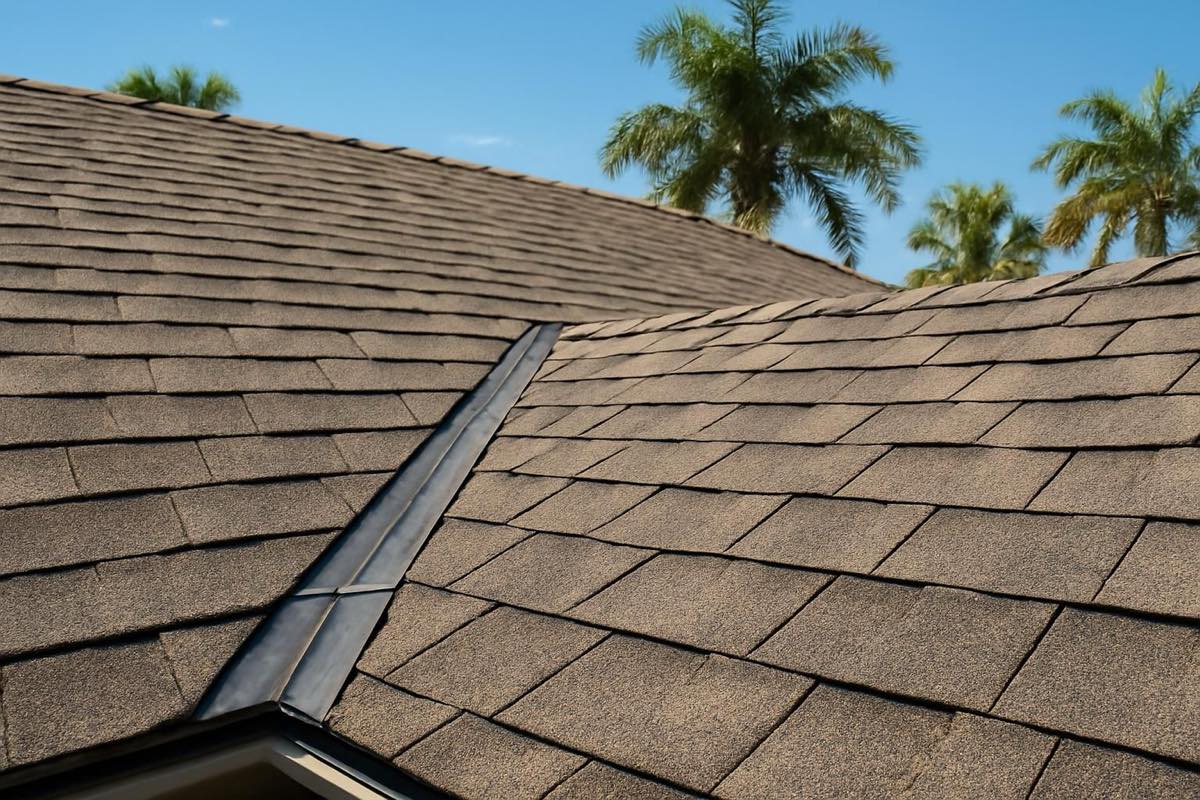
- Accessory components: Measurements will not separate ridge cap shingles from field shingle counts, nor do they tabulate universal starter strips or valley ice-and-water shield runs.
- Manufacturer specifications: Nailing patterns, exposure limits, and required underlayment overlaps must be written into the scope manually.
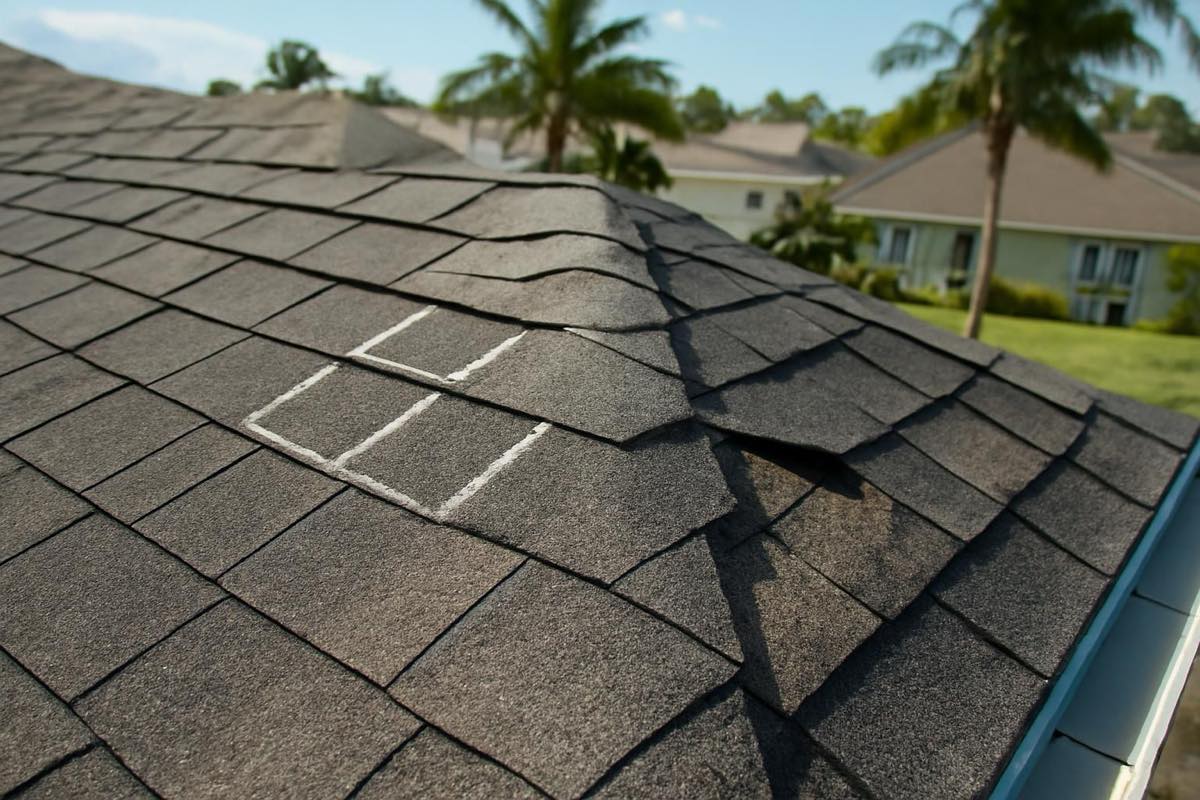
Waste discrepancies trigger the majority of supplement battles. Insurers routinely default to a flat 10% on gables or 15% on hips, ignoring the scrap generated by dormers, valleys, and multi-pitch transitions. Overcoming those caps requires tethering job-site photo evidence directly to your linear takeoff.
The same rule applies to General Contractor Overhead and Profit (O&P). Coordinating tear-offs, crane staging, tarp removal, and custom metal fabrication justifies O&P—but raw dimension sheets won't prove trade complexity. Only a thoroughly documented Xactimate estimate backed by annotated photos will.
How Storm Xactimate handles this for you
Storm Xactimate handles the measurement intake and builds carrier-ready estimates for residential storm restoration contractors. The workflow takes minutes: upload the claim details, field photos, and an existing EagleView, Hover, or GAF QuickMeasure report. If you do not have a report, Storm Xactimate orders one for you at no added cost. Experienced estimators write the scope in Xactimate using localized market pricing, accounting for steep waste factors, code-mandated drip edge, ice and water shield, starter shingles, and defensible O&P.
Each file goes through peer review before delivery, backed by a 24-hour turnaround once measurements and basic photos are received. Deliverables include a branded PDF with your company logo, the native ESX file, roof diagrams, and an organized photo sheet. Should the carrier push back, Storm Xactimate provides one revision round at no charge when the adjuster's estimate is uploaded within 30 days. Start an estimate with Storm Xactimate.
Frequently asked questions about EagleView and Hover roof measurements
Which is more accurate for roof measurements, EagleView or Hover?
Both hit a 1% to 2% margin of error under optimal conditions. EagleView removes human photo errors by using fixed-wing aerial passes. Hover, however, yields cleaner, more reliable results when heavy tree canopies, architectural overhangs, or tarped roofs block the sky.
Can I convert an EagleView or Hover report directly into an ESX file myself?
Yes, provided you have an active Xactimate subscription and the specific third-party integration package needed to import 3D sketch data. Without that bridge, dimensions must be manually drawn into Sketch or processed through an estimating service like Storm Xactimate.
Does a measurement report automatically calculate shingle waste?
No. Measurement providers supply geometric waste tables based strictly on facet math and roof pitch. They do not write scopes, nor do they factor in starter courses, ridge cap deductions, valley cuts, or carrier-specific estimating guidelines.
What if an adjuster rejects measurements from Hover or EagleView?
Both platforms are recognized as standard documentation by property insurers across the United States. If an adjuster pushes back on surface areas or waste calculations, provide the complete measurement PDF alongside annotated ground photos documenting rakes, valleys, and pitch angles.